
When we walk a business owner through an office move, the furniture is rarely what keeps them up at night. It's the internet circuit nobody has ordered yet, the phone system nobody has looked at, and the server closet only one person understands. Desks and chairs are the easy part. A network that isn't ready is what turns a weekend move into a lost Monday.
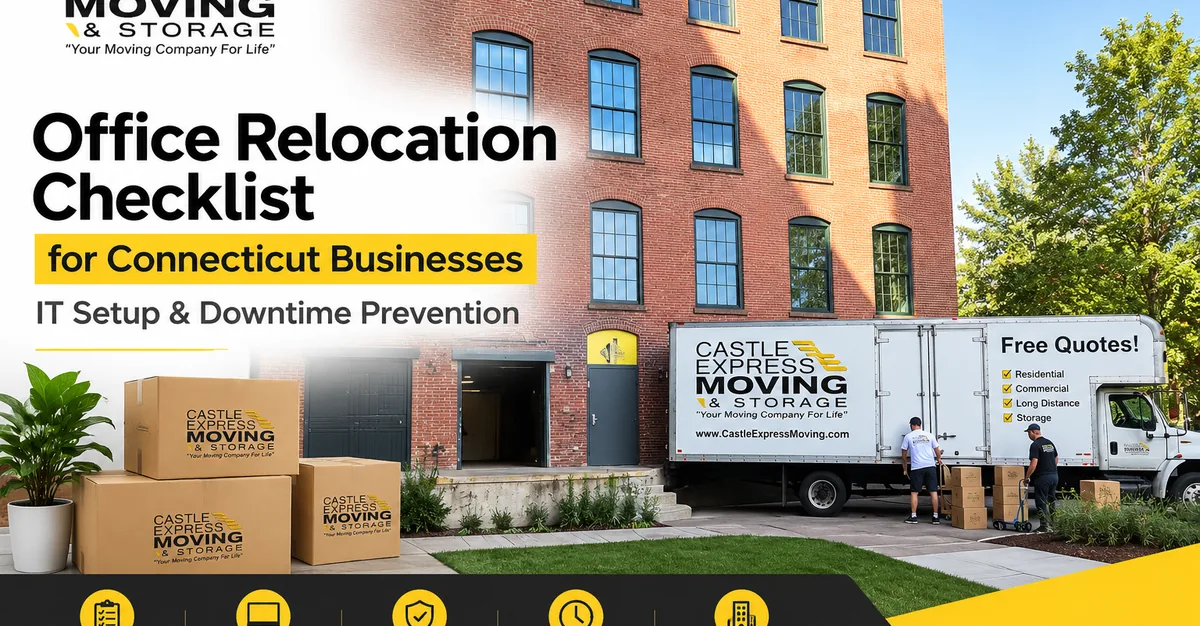
We've handled commercial moving for offices, retail stores, and medical practices across Connecticut and Western Massachusetts since 2011, and the pattern holds every time. The moves that go smoothly treat IT as its own project with its own calendar. This checklist lays out that calendar, from the day you sign the lease to your first week in the new space.
The short version: order internet the day you sign the lease, test your backups before you need them, label everything, and get your mover and your IT team working from one shared timeline.
Why IT is where office moves go wrong
A crew can empty an office in a day. Internet providers, phone carriers, and cabling contractors don't work on that schedule. Their lead times, not your moving date, set the real deadline. One IT firm that publishes its timelines puts a new install on existing fiber at four to eight weeks from order, and a brand-new fiber build at three to six months. Connecticut buildings and providers differ, so treat those numbers as a warning and get an install date in writing from your own provider.
Downtime is expensive, too. ITIC's downtime research notes that hourly losses of $25,000 to $75,000 can be enough to put a small or midsize business under or badly damage its reputation. Your own number will be different, so work it out before you plan: the employees who can't work, times their average hourly cost, times the hours offline, plus the revenue you'd normally bring in each hour. Once you can see that figure, paying for a backup internet line or an after-hours move stops feeling like an extra.
If you want the bigger scheduling picture, we cover after-hours crews and phased moves in our guide on how to minimize downtime during an office move in Connecticut. What follows zooms in on the technology.
The office relocation checklist, step by step
1. The day you sign the lease: order the long-lead items
- Internet. Ask the building manager which providers already serve the building and where service enters the space. Ask about a second connection as a backup.
- Phones. If you're keeping your numbers, talk to your phone provider about porting and your new address right away. One IT firm suggests budgeting two to four weeks for number porting.
- Building rules. Ask your landlord and the new building manager about after-hours access, freight elevator and loading dock reservations, and any restrictions on cabling work. We coordinate elevator access, dock reservations, and after-hours scheduling as part of the plan, but the sooner we know the rules, the fewer surprises on move day.
- Your mover. Book early and schedule a walkthrough. Our process starts with a walkthrough and space assessment with your team, followed by a custom move plan with a timeline and crew assignments. If your move falls in summer, our notes on corporate move planning for peak season explain why preferred dates go quickly.
2. Take inventory and decide what moves
List every device that touches your network: servers, workstations, laptops, switches, routers, access points, printers, phones, cameras, and badge readers. Sketch how it all connects today and how you want it connected in the new space. Then mark each item as move, replace, or retire.
A move is also a natural moment to shift file storage or applications to the cloud. Less hardware means less to pack, transport, and reinstall.
3. Check the new space before you lock in a move date
Ask whether the space is already cabled, whether there are enough outlets for workstations, printers, and access points, and where the network equipment will live. A finished build-out doesn't always include network cabling, so confirm it instead of assuming. We like to see cabling finished early enough that every jack can be tested before the furniture arrives.
4. Get your backups ready and test them
CISA's small business guidance recommends a mix of on-site and remote backups, protected with encryption and offline copies, and restore tests that prove you can recover data fully or partially and roll back at least seven days. It also says to know how to reach critical files without an internet connection, which matters more than usual during a move.
Run a restore test a few weeks out, not the night before. Then take one last backup right before shutdown.
5. Wipe or recycle what you're leaving behind
Old drives hold old data. NIST's media sanitization guidelines treat sanitizing storage media before it's reused, sold, or disposed of as a standard step, so plan it before retired equipment leaves your hands.
Connecticut has kept computers, monitors, printers, and televisions out of the trash since January 1, 2011. The state's recycling program is built around residents, and DEEP notes that approved recyclers may or may not accept electronics from businesses, so call ahead before you load anything.
6. Label everything and photograph the setup
Before anything gets unplugged, photograph the back of each rack, desk, and switch. Label both ends of every cable. Tag each device with the person or department it belongs to and the room it's headed for. Keep cables with the equipment they belong to.
Our labeling system covers desks, departments, and floors, so every item lands where it should at the new location. Our packing services include professional packing of office equipment and files. It also helps to keep a small day-one kit with spare cables, power strips, and adapters where your IT lead can grab it.
7. Sequence the move around your IT team
Most of our office moves happen on Friday evenings and weekends, and we coordinate with your IT team to safely disconnect, transport, and reconnect workstations and servers. Your IT provider should own the network configuration and testing. Our crews handle the disconnecting, transport, and physical setup, and we work with your IT lead on the order of operations. Ask for network gear to come off the truck first, so IT can start bringing the network up while furniture is still being placed.
A sample weekend for a small office looks like this:
- Friday evening: final backup, shutdown, disconnect, and pack.
- Saturday: load, transport, unload, and place furniture and equipment in labeled rooms.
- Sunday: IT brings up the network, phones, and printers, then tests them.
- Monday: staff arrive and IT support is on hand.
Bigger offices need more time, but the order stays the same.
8. Test everything in the first week
Check internet speed, Wi-Fi coverage in every room, VPN access, phones, printers, and any cloud tools or payment systems your business depends on. Keep IT support available for the first 48 to 72 hours, then update your network documentation with the new cable labels, IP scheme, and device inventory. A short debrief with your team will catch whatever the testing missed.
9. Update your address everywhere it matters
Phones and mail are where a missed address change hurts most. Here's where to start:
- Connecticut Secretary of the State. You can update your business address online, and the new address replaces the one on file. You can also update it when you file your annual report.
- Connecticut DRS. Taxpayers can change their address through myconneCT.
- IRS. Businesses with an EIN on file use Form 8822-B to report a new mailing address or business location.
- USPS. A business owner or authorized agent can submit a business change of address, and forwarded mail starts arriving within 7 to 10 postal business days of the start date, so file early.
- 911 location. The FCC's rules for multi-line phone systems call for direct 911 dialing and a dispatchable location, meaning a validated street address plus suite or floor details. Ask your phone provider to update your address records, then test.
- Everything customer-facing. Update your Google Business Profile, website, invoices, email signatures, and vendor accounts.
This is general information, not legal or tax advice. Your accountant or attorney can confirm what applies to your business type.
What if the new space isn't ready?
Build-outs and lease dates slip. When they do, you don't have to keep a truck loaded or scramble for a separate storage vendor. Our climate-controlled storage in Enfield is a 5,000 square foot facility held between 55 and 85 degrees with regulated humidity all year, with 24/7 monitoring and sealed, numbered wooden vaults. Our crew picks everything up and delivers it when your space is ready. Here's what climate-controlled storage protects against.
One planning note: access to storage is by appointment. Decide up front which items your team needs day to day, and keep those out of the vaults.
If internet or phone service isn't live on day one, temporary call forwarding and mobile hotspots can bridge a short gap. A phased move, with non-critical departments going first, gives you the same kind of cushion.
Choosing a mover for a technology-heavy move
Ask specific questions. How do they handle servers and networking gear? Who coordinates with your IT team? Can they work after hours? How do they label and track equipment? Our guide to the questions to ask a moving company before you book covers the full list, and our post on how to choose commercial movers in CT and MA goes deeper on commercial work.
Verify the license, too. We're licensed under USDOT 2307446 and CT Permit C-1768, and we explain how to verify a mover's license in Connecticut so you can check any company you're considering. We're family-owned, hold an A+ BBB rating, and have earned a 4.9 star average across 200+ Google reviews.
Where we work
We move offices across Hartford County and Western Massachusetts. Downtown Hartford relocations often involve high-rise buildings, the Colt Gateway complex, and commercial spaces along the I-84 corridor, which is why elevator and dock reservations matter so much. See how we handle commercial movers in Hartford, professional offices in West Hartford, and business moves from our home base in Enfield. The rest of our towns are listed on our service areas page.
Frequently asked questions
How far ahead should we start planning the IT side of an office move? As soon as the lease is signed. Internet and phone providers set their own schedules, and published timelines from IT firms run from several weeks to several months depending on the building. For the physical move, we suggest booking at least two to three weeks ahead for a straightforward office, and a month or more for larger or peak-season moves.
Do you move servers and networking equipment? We coordinate with your IT team to safely disconnect, transport, and reconnect workstations and servers. Your IT provider handles configuration and testing at the new location.
Can we move over a weekend and be open Monday morning? Yes. Most of our office moves happen on Friday evenings and weekends specifically to minimize downtime, so your team can walk in Monday and get back to work. The new space's cabling, internet, and phones need to be ready and tested before then, which is why steps 1 through 3 come first.
What if our new office isn't ready on move day? Your belongings can go into our climate-controlled storage in Enfield and be delivered when the space is ready. Moving and storage stay with one company, so there's no handoff to a third party.
How much does it cost to move an office in Connecticut? It depends on the size of the office, the amount of furniture and equipment, the number of floors, and whether you need after-hours or weekend service. We provide free on-site estimates for all commercial moves. Before you compare quotes, read our guide on how to read a moving estimate in Connecticut.
Planning an office move in Connecticut?
A good plan puts your IT timeline and your moving timeline on the same calendar. If you're mapping out an office relocation, we'll walk your space, talk through your IT team's needs, and give you a straightforward number. Get a free commercial moving estimate or call us at 1-888-553-4503. You can also learn more about our family-owned team.